
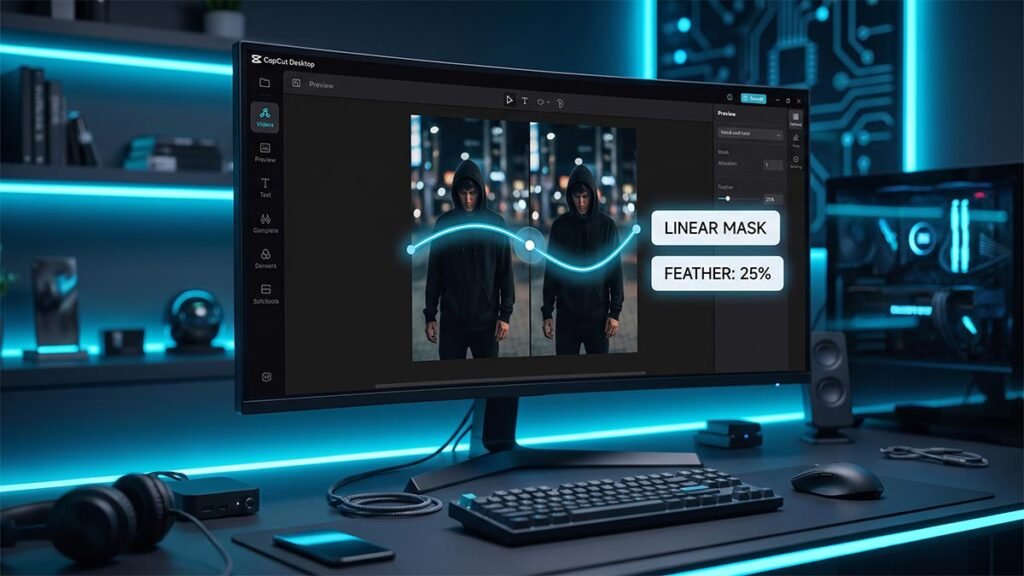
Creative Video Masking: How to Create Seamless Split-Screen Overlays in CapCut Desktop
Creative masking: How to use linear, mirror, and filmstrip masks in CapCut Desktop to build split-screen layouts and composited shots.
The features most editors skip over are often the ones that save the most time. This section covers beat sync, proxy mode, text-to-speech, masking, and the core workflow settings that make CapCut Desktop significantly faster to work in — explained properly, not just pointed at.
Creative masking: How to use linear, mirror, and filmstrip masks in CapCut Desktop to build split-screen layouts and composited shots.
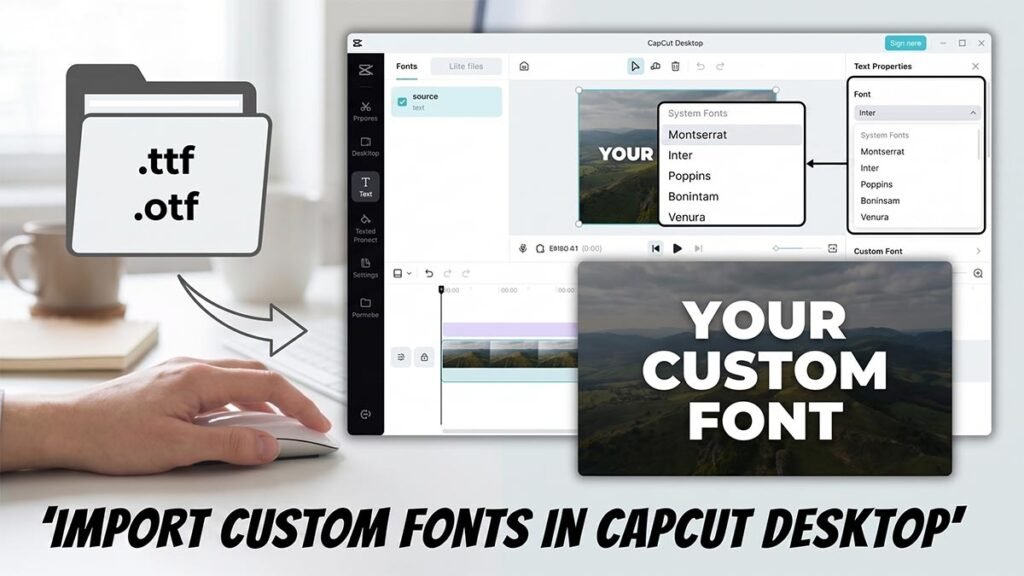
Custom fonts: How to download, install, and load .TTF and .OTF font files into CapCut Desktop on Windows and Mac.
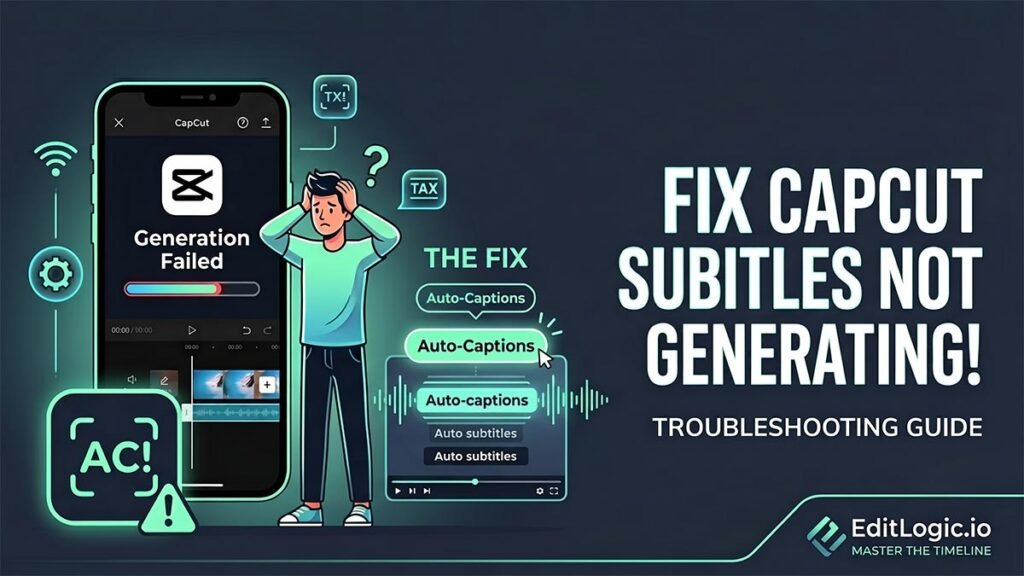
Auto-captions: Three causes — network block, incomplete language pack, or cache clog. Identifies which one you have and how to clear it
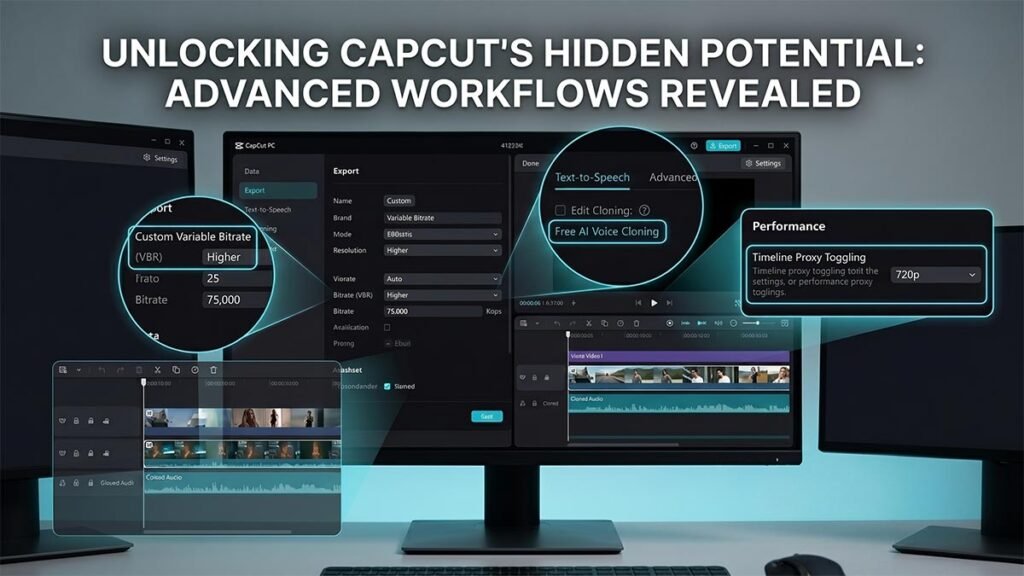
Stop settling for basic edits and default export settings that blur your videos. This ultimate workflow guide reveals hidden features inside CapCut Desktop—from advanced VBR quality optimization and free AI voice cloning to proxy configurations that stop timeline lag on low-end PCs.
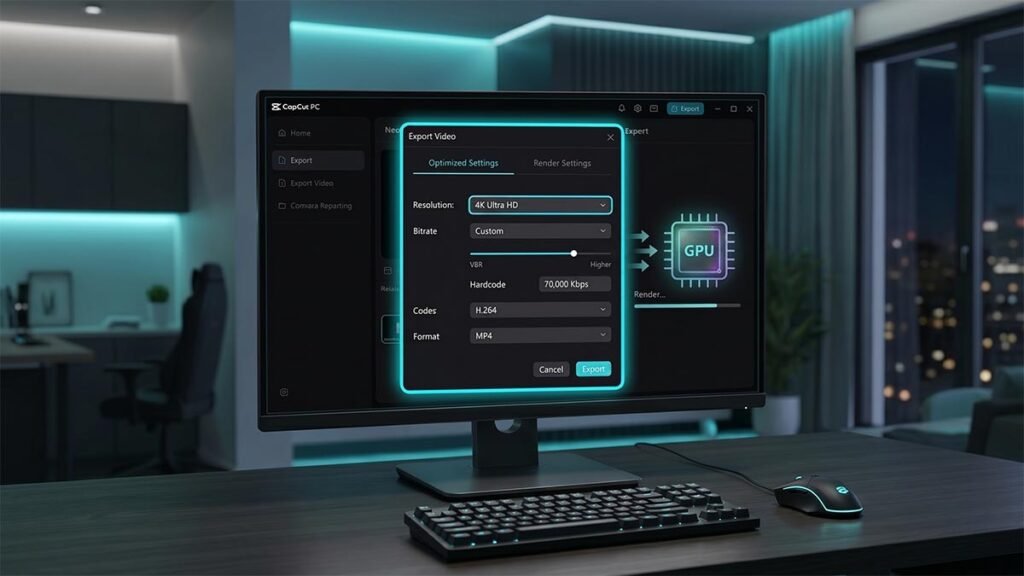
The bitrate, codec, frame rate, and GPU acceleration settings worth configuring before every render.
How to generate synced subtitles in CapCut using Auto Captions — covers batch editing, formatting, auto-translation, and export on both Desktop and Web.