
No fluff. No YouTube padding. Just the technical explanation and the fix.
FREE DOWNLOAD
Stop Googling Every CapCut Problem
We put 42 shortcuts, the exact export settings that prevent washed-out colors, hidden features, and the 5 golden rules every editor needs — all on 3 pages.
Free. No sign-up needed. Just download and keep it open while you edit.
⌨️ 42 Keyboard Shortcuts
🎬 Export Settings That Work
🎨 Color & Audio Mastery
🚀 Hidden Features
⚡ Performance & Proxy Tips
🏆 The 5 Golden Rules
3 pages • PDF format • Free to save, print, and share
CapCut Running Slow?
Timeline lag, transition stutters, frozen previews — each has a specific cause and a one-time fix.

CapCut Timeline Zooming In and Out on Its Own — How to Stop It
CapCut’s timeline zoom is triggered by scroll wheel input, trackpad pinch gestures, or a Ctrl key being held accidentally. This guide covers how to identify the source and stop it…
How to Fix CapCut Crashing When You Add Too Many Clips
CapCut crashes on large timelines because it loads every clip into active memory at once. This guide explains the memory architecture behind the crash and walks through seven fixes —…
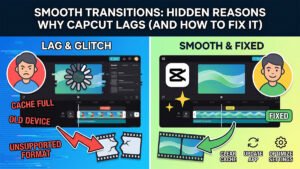
Smooth Transitions: Hidden Reasons Why CapCut Lags (And How to Fix It)
Transition lag in CapCut is almost always a processing bottleneck. Covers the five most common causes and how to clear them on Desktop, Web, and mobile.
Common Audio fixes

The Ultimate Guide to CapCut’s Free Text-to-Speech Tool
Professional voiceover without a microphone or recording setup. How to use CapCut’s TTS tool to generate natural-sounding audio, pick the right voice, and export the final file.
How to Fix CapCut Audio Out of Sync (Timeline vs. Render Delay)
Audio out of sync: Variable Frame Rate footage is the most common cause of audio drift. Covers how to diagnose it and fix it before or after export.

How to Fix CapCut Audio Crackling and Distorting on Export
CapCut audio crackling on export is caused by sample rate mismatches, HEVC codec instability, or AI audio effects overloading the render pipeline. Six fixes in order — starting with the…
Fix it once. Understand it permanently.
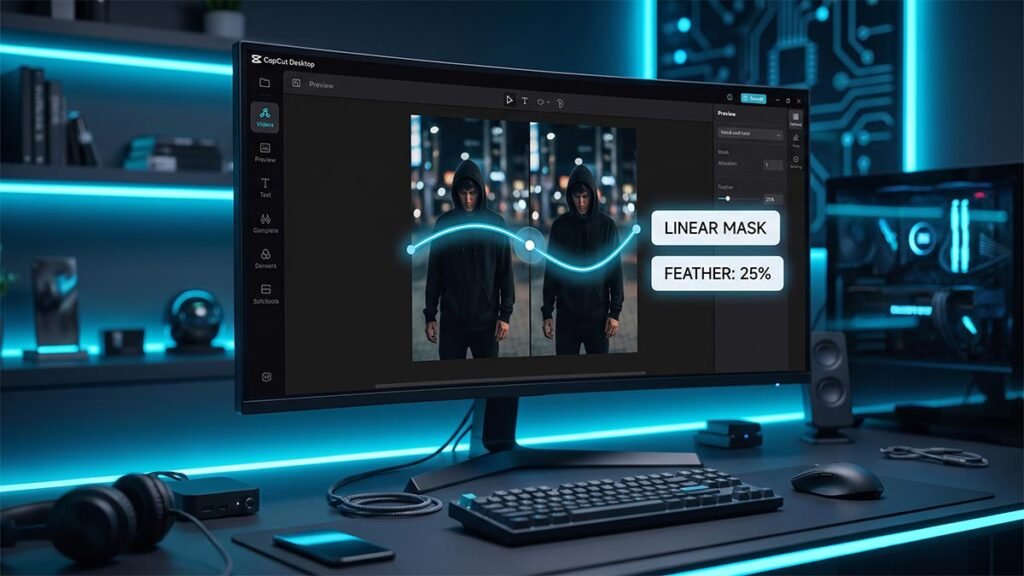
Creative Video Masking: How to Create Seamless Split-Screen Overlays in CapCut Desktop
Creative masking: How to use linear, mirror, and filmstrip masks in CapCut Desktop to build…
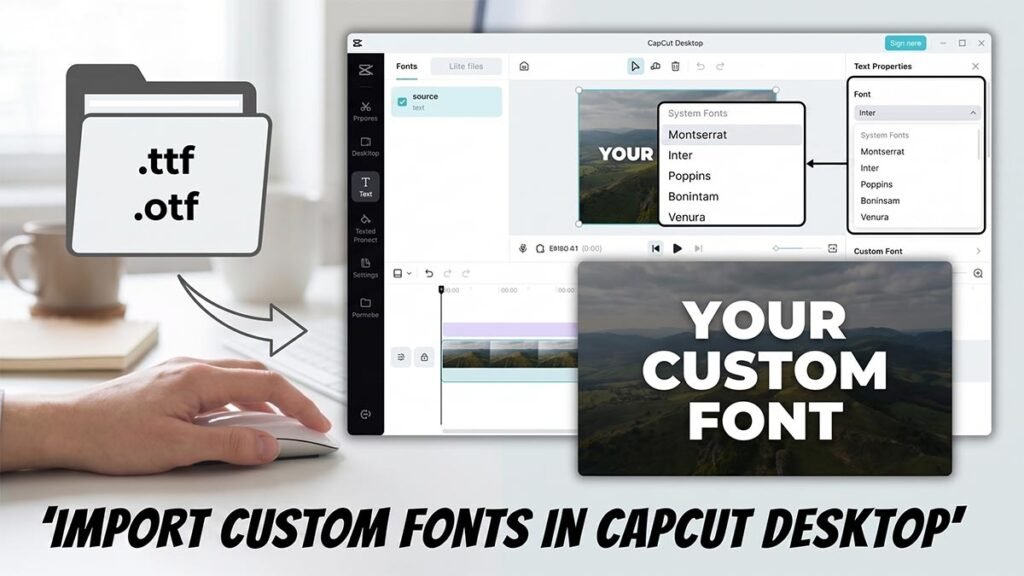
How to Import and Use Custom Fonts in CapCut Desktop: The Ultimate Typography Guide
Custom fonts: How to download, install, and load .TTF and .OTF font files into CapCut…
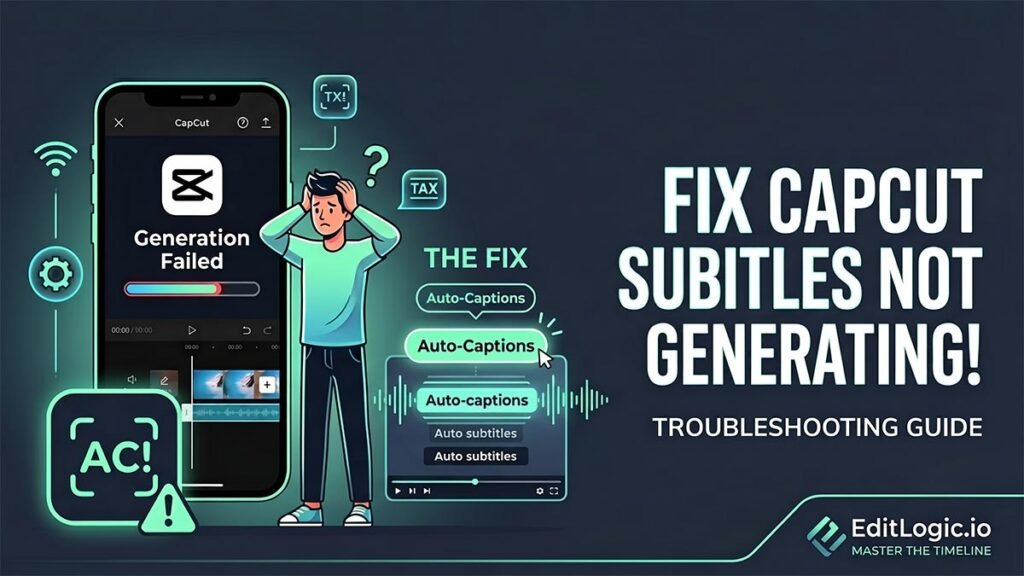
Auto-Captions: How to Fix CapCut Subtitles Not Generating
Auto-captions: Three causes — network block, incomplete language pack, or cache clog. Identifies which one…