
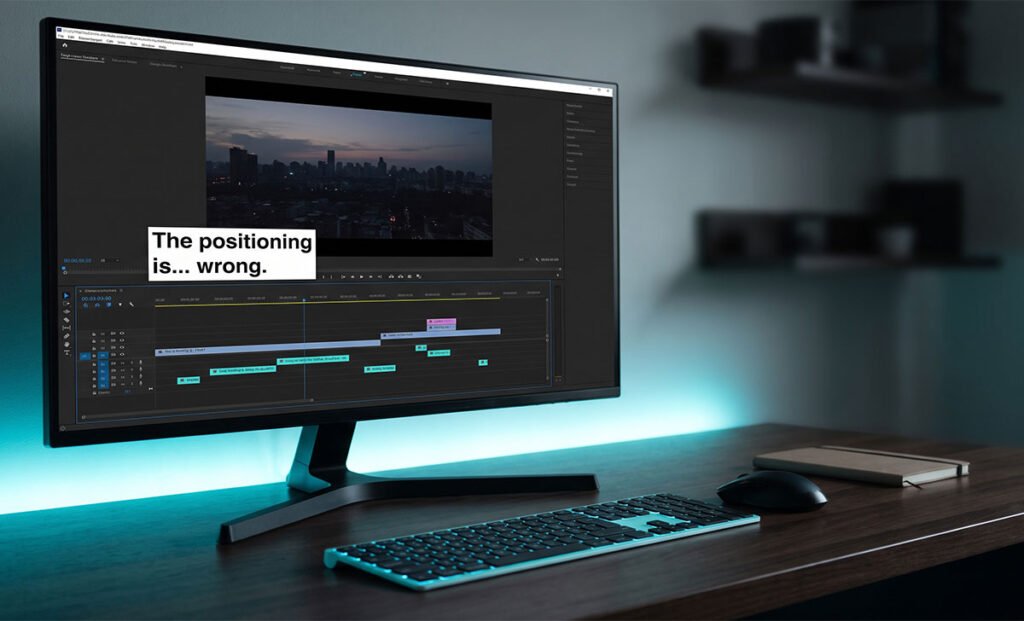
Why Are My CapCut Captions Out of Position After Export?
CapCut captions shift position after export when your preview resolution doesn’t match your export settings. Five fixes covering resolution, safe zone, anchor, codec, and cache.
Export failures, frozen progress bars, and corrupted output files are usually codec or pipeline issues — not random glitches. These guides cover the most common CapCut Desktop export errors, what triggers them, and which settings actually resolve them.
CapCut captions shift position after export when your preview resolution doesn’t match your export settings. Five fixes covering resolution, safe zone, anchor, codec, and cache.
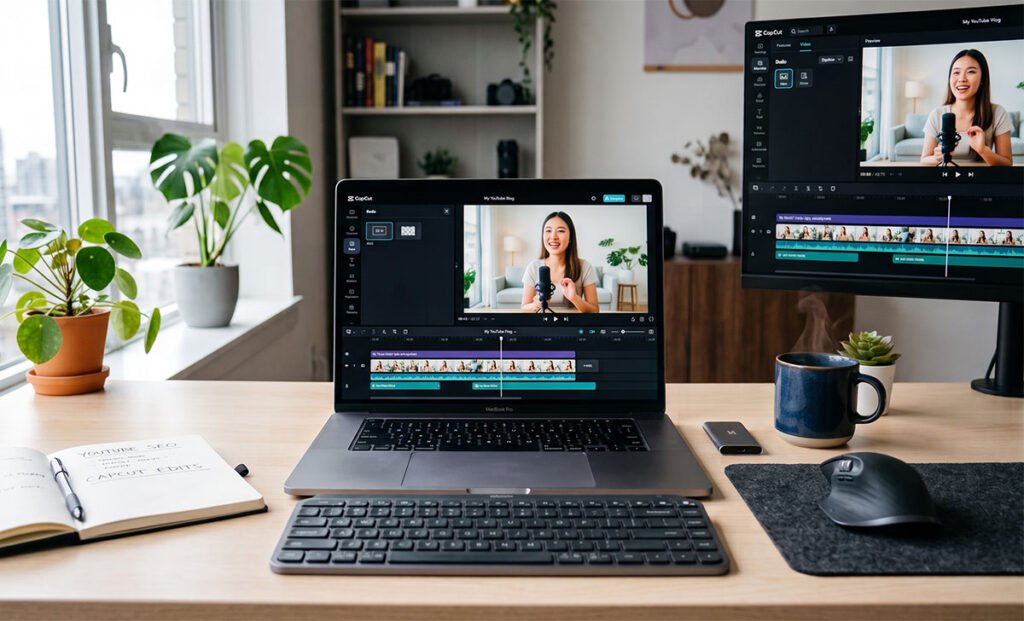
Black borders appear when your export resolution or aspect ratio doesn’t match your timeline settings. CapCut fills the gap with black bars — top and bottom for letterboxing, left and right for pillarboxing — rather than cropping or stretching your footage. The fix is almost always a mismatch between your project settings, your clip aspect
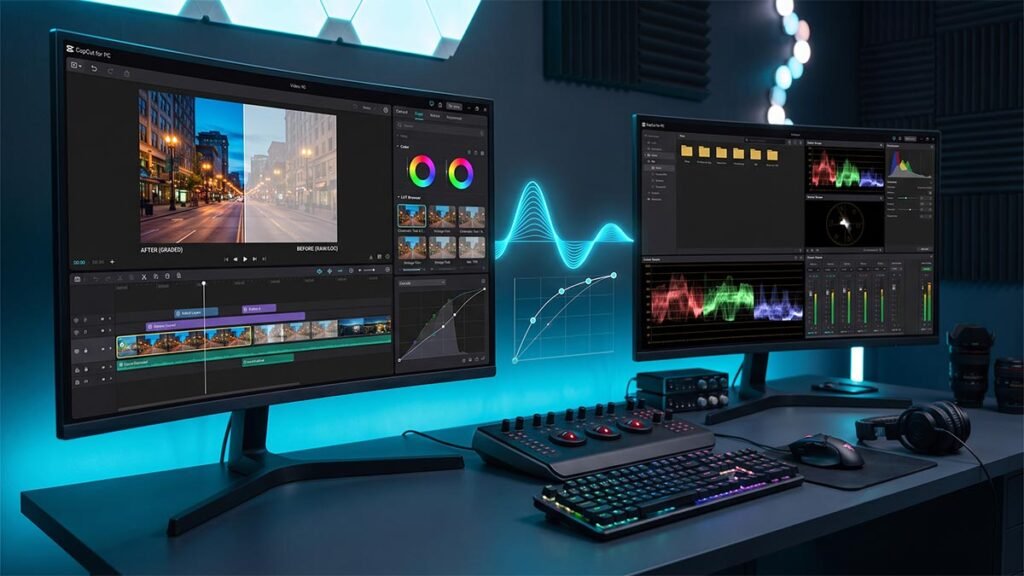
CapCut exports look washed out because of color space mismatches, low bitrate, or HDR metadata that platforms can’t interpret. Four fixes — starting with the one that resolves it most often.
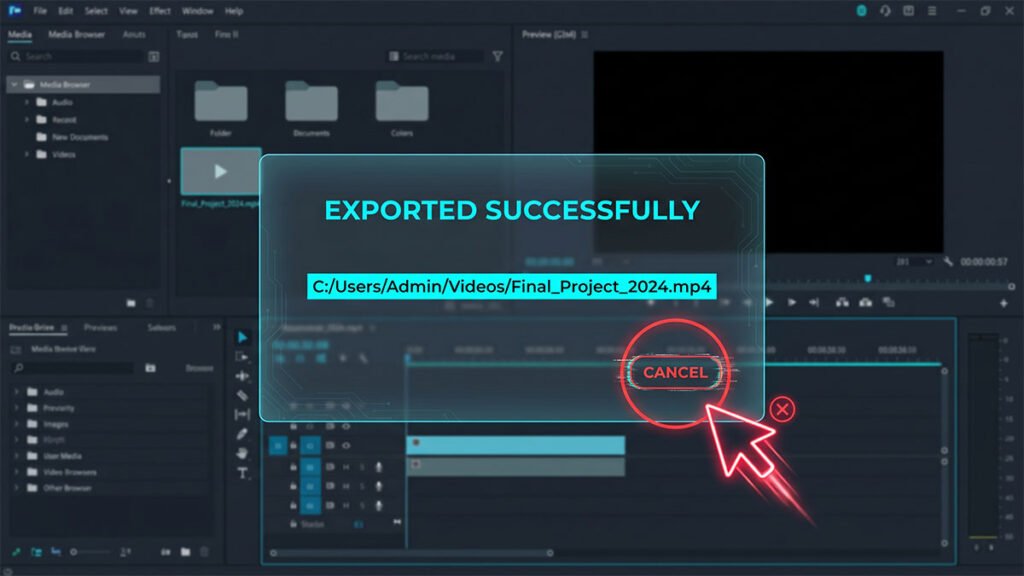
CapCut finishes the export but the popup won’t close. How to force-close it safely without losing your project.
CapCut has finished rendering but stalls on the final step — stitching frames, audio, and container metadata. Here’s why it happens and how to get the export to complete.