
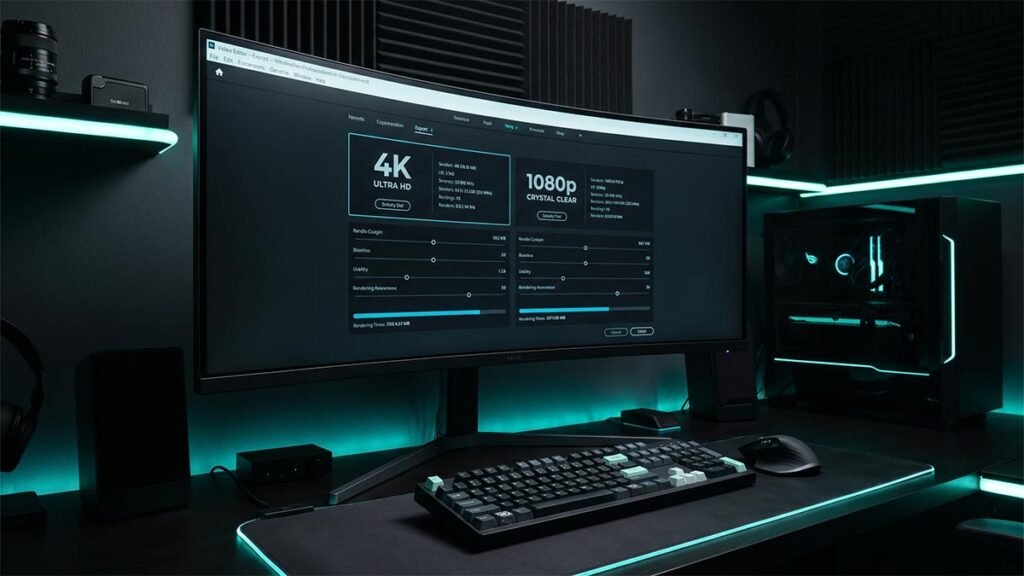
Best Export Settings for CapCut PC: The Ultimate 4K & 1080p Quality Guide
The bitrate, codec, frame rate, and color space settings that actually matter for 4K and 1080p exports — configured once, reliable every time.
The bitrate, codec, frame rate, and color space settings that actually matter for 4K and 1080p exports — configured once, reliable every time.
How to generate synced subtitles in CapCut using Auto Captions — covers batch editing, formatting, auto-translation, and export on both Desktop and Web.

Professional voiceover without a microphone or recording setup. How to use CapCut’s TTS tool to generate natural-sounding audio, pick the right voice, and export the final file.
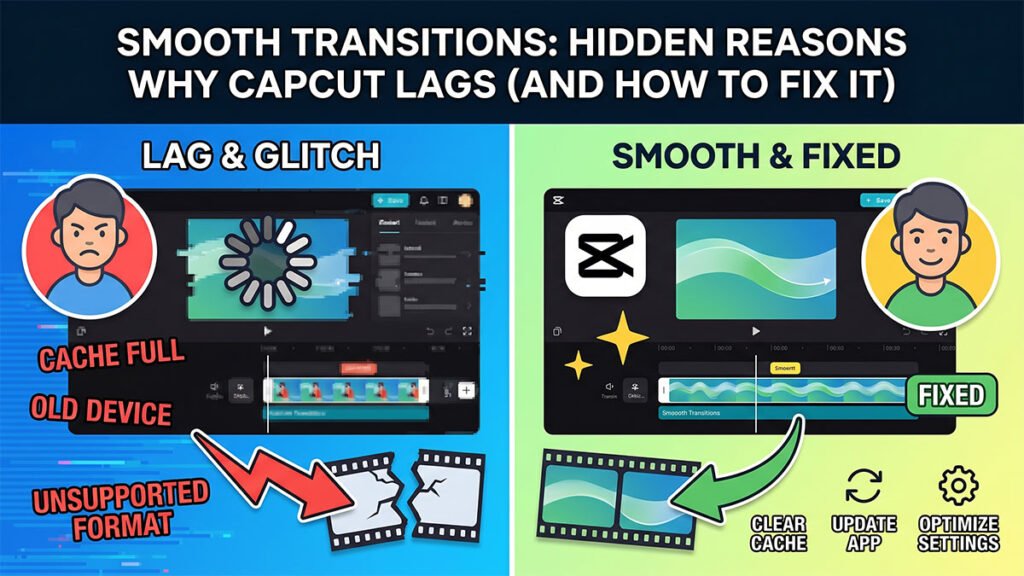
Transition lag in CapCut is almost always a processing bottleneck. Covers the five most common causes and how to clear them on Desktop, Web, and mobile.
CapCut has finished rendering but stalls on the final step — stitching frames, audio, and container metadata. Here’s why it happens and how to get the export to complete.
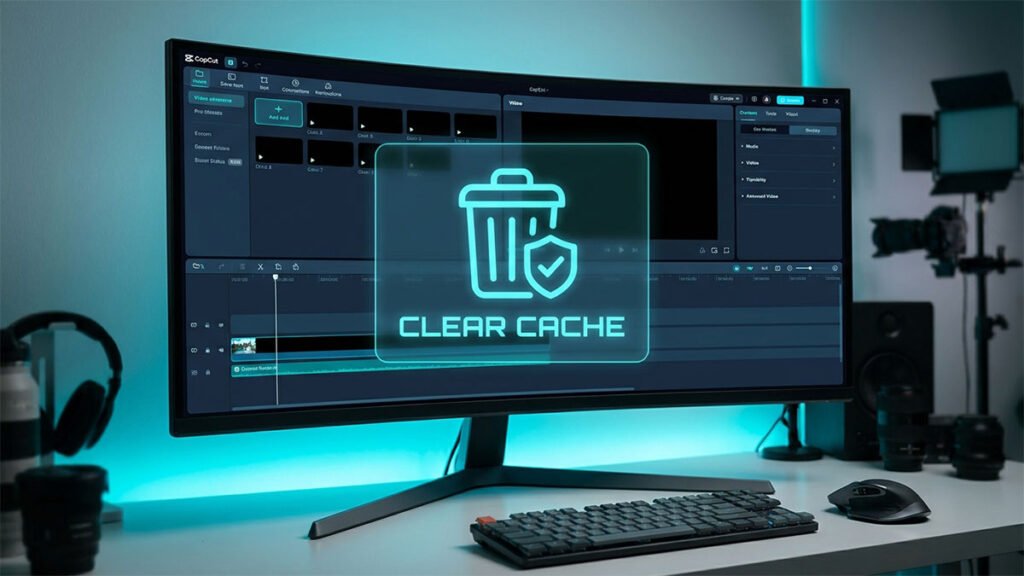
After a few weeks of use, CapCut accumulates render cache that slows your timeline down. How to clear it in under a minute without touching your projects or media.

Enable proxy mode, clear cache, turn on GPU acceleration, and lower preview resolution. Four fixes that cover the most common causes of timeline lag on Windows and Mac.