
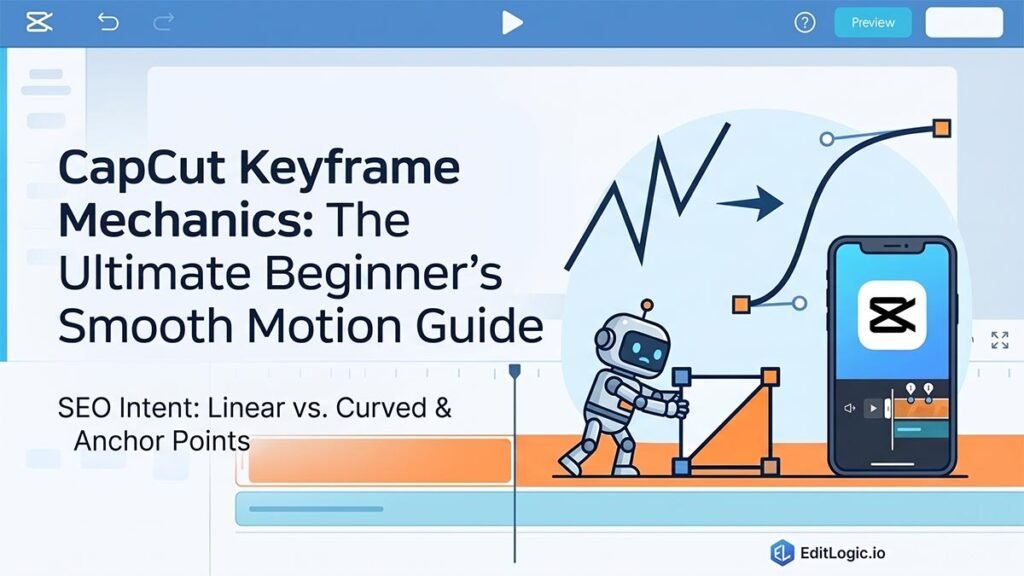
CapCut Keyframe Mechanics: The Ultimate Beginner’s Smooth Motion Guide
Keyframe mechanics: Pair keyframes with the right interpolation curve to get motion that moves the way you intended — not stiff, not robotic.
Keyframe mechanics: Pair keyframes with the right interpolation curve to get motion that moves the way you intended — not stiff, not robotic.
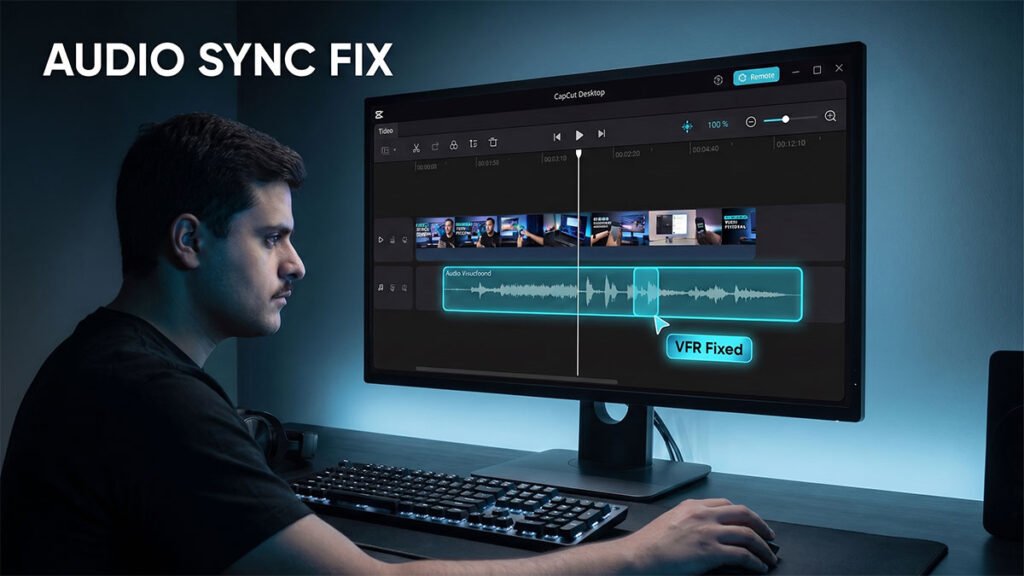
Audio out of sync: Variable Frame Rate footage is the most common cause of audio drift. Covers how to diagnose it and fix it before or after export.
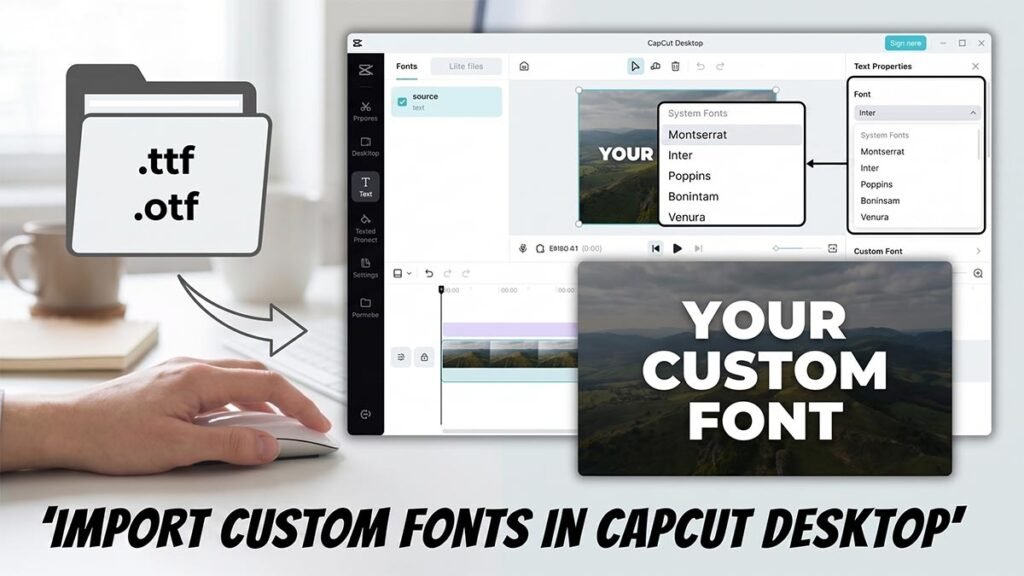
Custom fonts: How to download, install, and load .TTF and .OTF font files into CapCut Desktop on Windows and Mac.
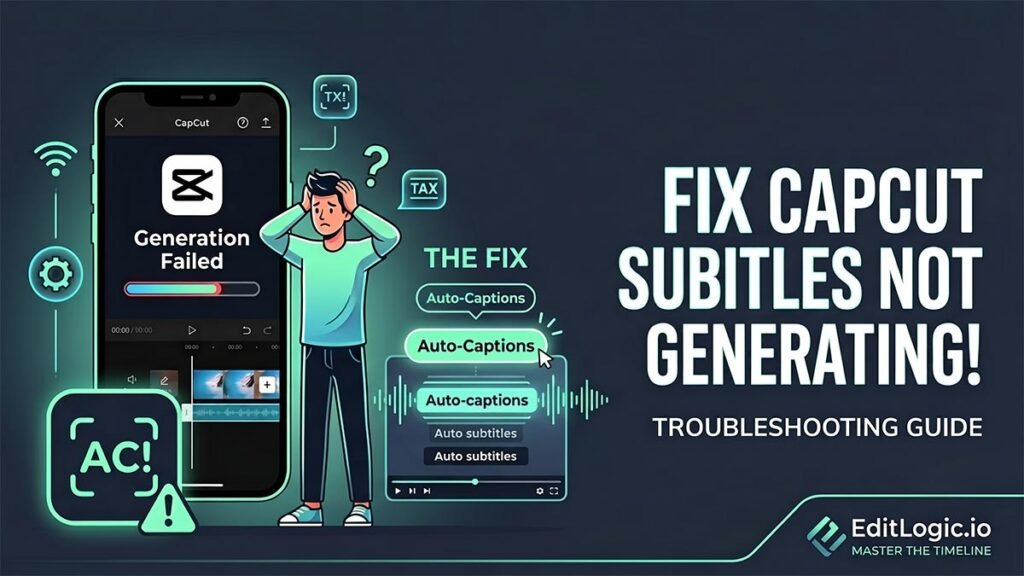
Auto-captions: Three causes — network block, incomplete language pack, or cache clog. Identifies which one you have and how to clear it
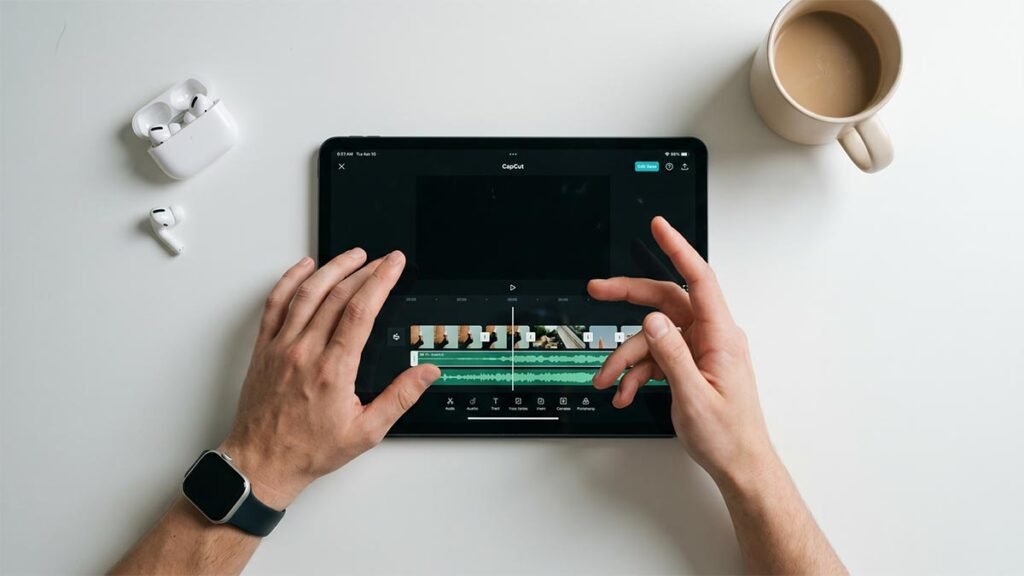
Beat sync: Use CapCut’s Beat Sync tool to align clips to a music track automatically — without moving a single cut point by hand.
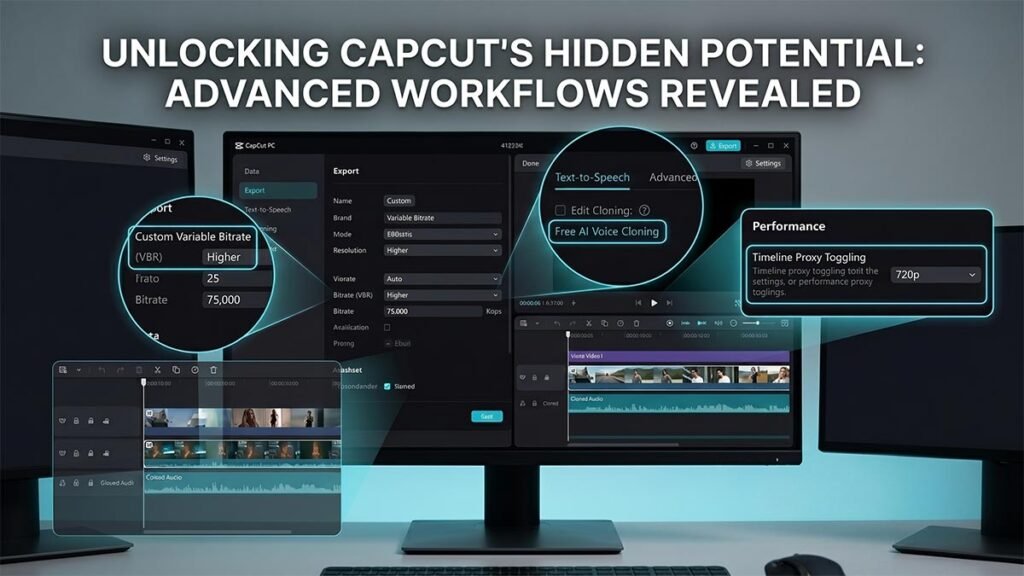
Stop settling for basic edits and default export settings that blur your videos. This ultimate workflow guide reveals hidden features inside CapCut Desktop—from advanced VBR quality optimization and free AI voice cloning to proxy configurations that stop timeline lag on low-end PCs.
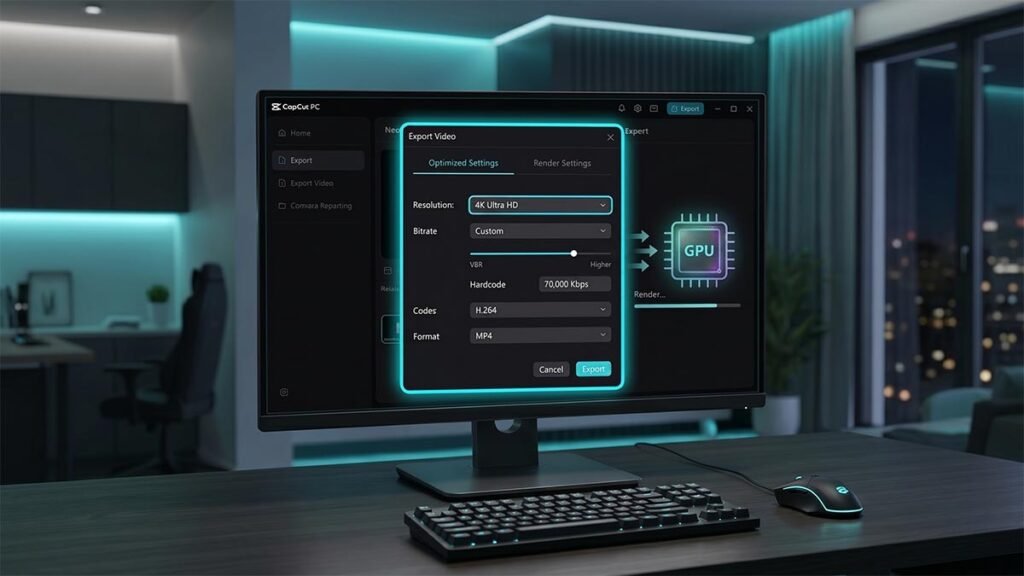
The bitrate, codec, frame rate, and GPU acceleration settings worth configuring before every render.
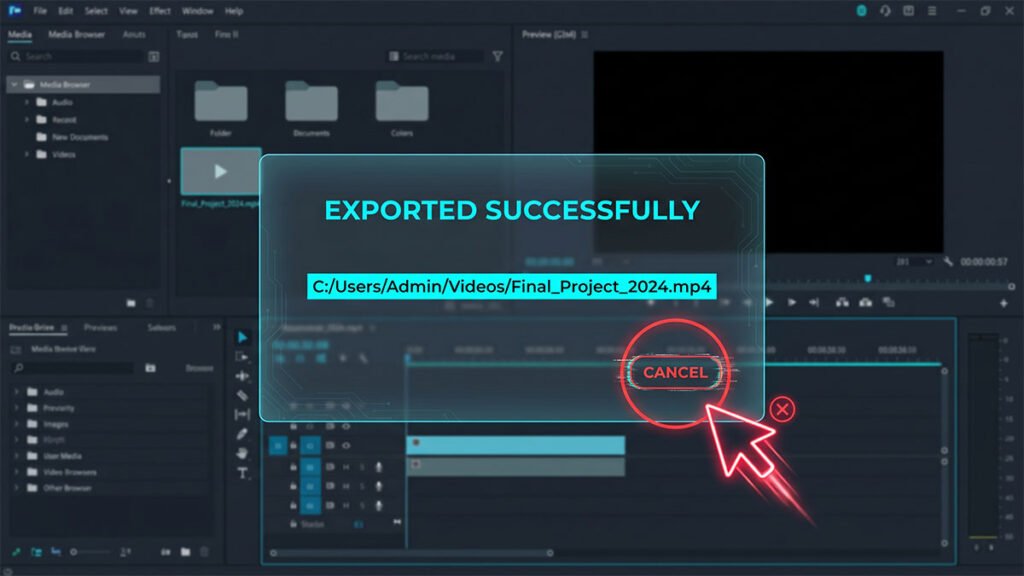
CapCut finishes the export but the popup won’t close. How to force-close it safely without losing your project.